
Wispr Flow
Transcribes and intelligently edits spoken words into clear written text across applications.
Are you the owner?
Claim this tool to publish updates, news and respond to users.
Sign in to claim ownership
Sign InDescription
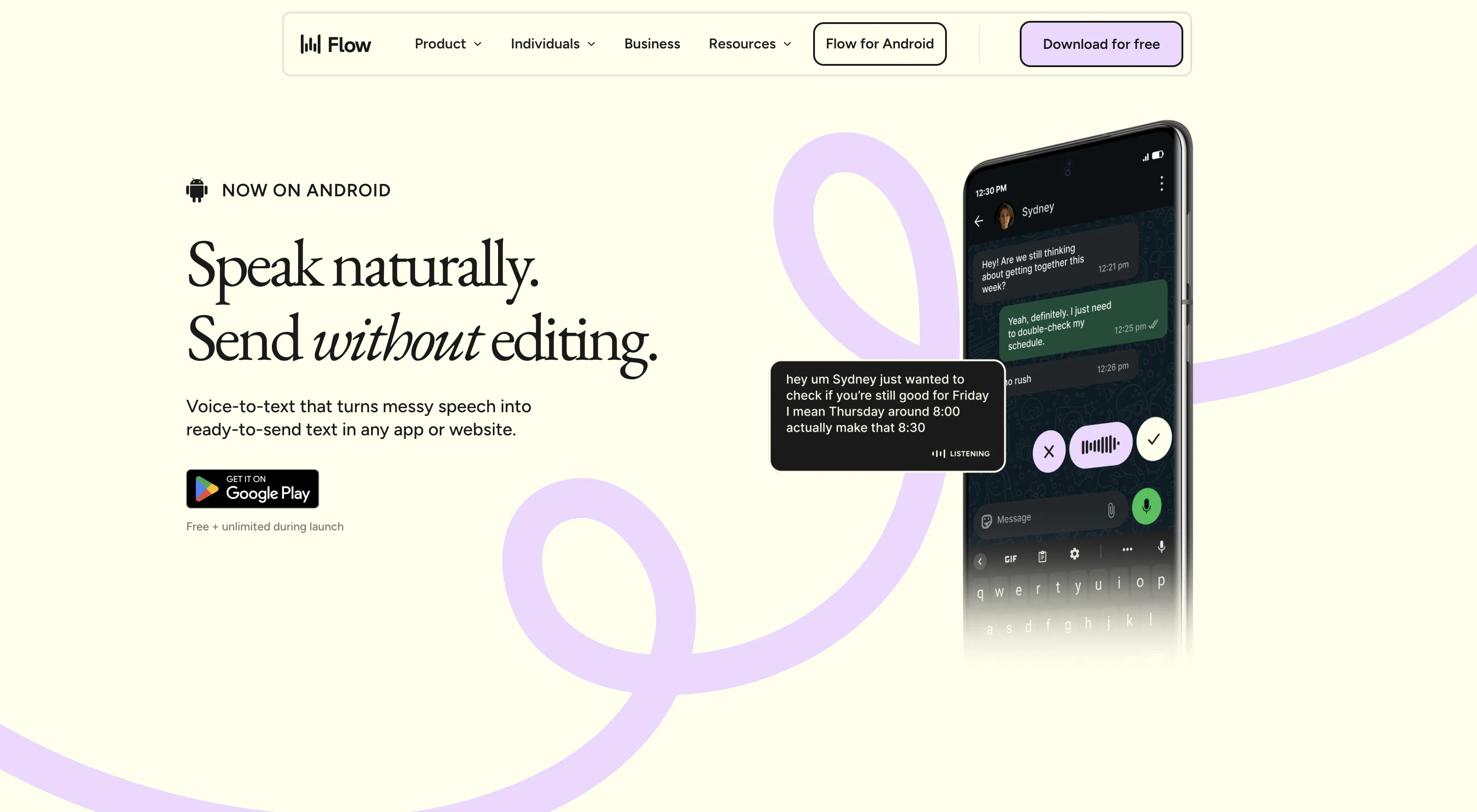
Wispr Flow is a sophisticated voice dictation tool engineered to transform spoken language into polished written text with remarkable speed and clarity. Developed by the team behind Wispr, its core value lies in enabling users to write by speaking, bypassing the keyboard to capture thoughts as they flow, thereby dramatically accelerating the writing process across documents, emails, and messaging platforms. It is designed for anyone who needs to write efficiently, from professionals and students to creative individuals.
Key features include highly accurate real-time transcription that works seamlessly within any application window, alongside intelligent auto-editing that corrects punctuation, capitalization, and common grammatical slips on the fly. The tool supports a wide array of languages and dialects, enhancing its global utility, and offers robust voice command controls for hands-free editing, such as inserting paragraphs or deleting sentences. It also provides customizable vocabulary to learn technical terms or unique names, ensuring precision in specialized fields.
What sets Wispr Flow apart is its deep integration into the user's workflow; it operates as a system-level utility on desktop (Windows and macOS) rather than being confined to a specific app, allowing dictation into any text field. Technically, it leverages advanced speech recognition models fine-tuned for conversational clarity and context-aware editing. A unique technical detail is its low-latency processing, which minimizes the lag between speech and text appearance, creating a near-instantaneous writing experience. It prioritizes user privacy by processing audio locally where possible, with optional cloud processing for enhanced accuracy in supported plans.
Ideal for busy professionals like journalists, lawyers, and executives who need to draft documents or correspondence quickly without typing, as well as for students and researchers capturing notes or drafting papers. It is equally valuable for individuals with mobility issues or repetitive strain injuries, providing an accessible alternative to keyboard input, and for multilingual users or translators who need to dictate in one language and potentially translate or edit in another. Content creators and writers will find it indispensable for brainstorming and first-draft creation, capturing the raw energy of spoken ideas.